
Edit your images, simply and effortlessly.
Resize, crop, mosaic and format conversion all run inside your browser.Your images never leave your device, and there is nothing to install or sign up for.
The tools one image actually needs
Only the edits people reach for most often. Every one of them runs inside your browser.
Resize
Type an exact width and height in pixels, or scale in one tap with the ×0.25 to ×2 presets. The aspect ratio can stay locked.
Crop
Drag out an area and lock it to 1:1, 16:9 or 4:3. Type X and Y coordinates when you need it exact.
Mosaic
Drag over a face or a licence plate to cover it. Blur strength is adjustable in pixels.
Convert & save
Save as PNG, JPG or WebP. For JPG and WebP you set the quality yourself to hit a file size.
Rotate & flip
Turn in 90° steps, or flip horizontally and vertically — handy for photos that came out sideways.
Text & shapes
Put a caption on top, or draw rectangles, ellipses and arrows. Click them again later to move them or change their colour.
Only the parts you want to change, precisely
Drag the slider to compare before and after. Inside the editor you can preview the result the same way before applying it.
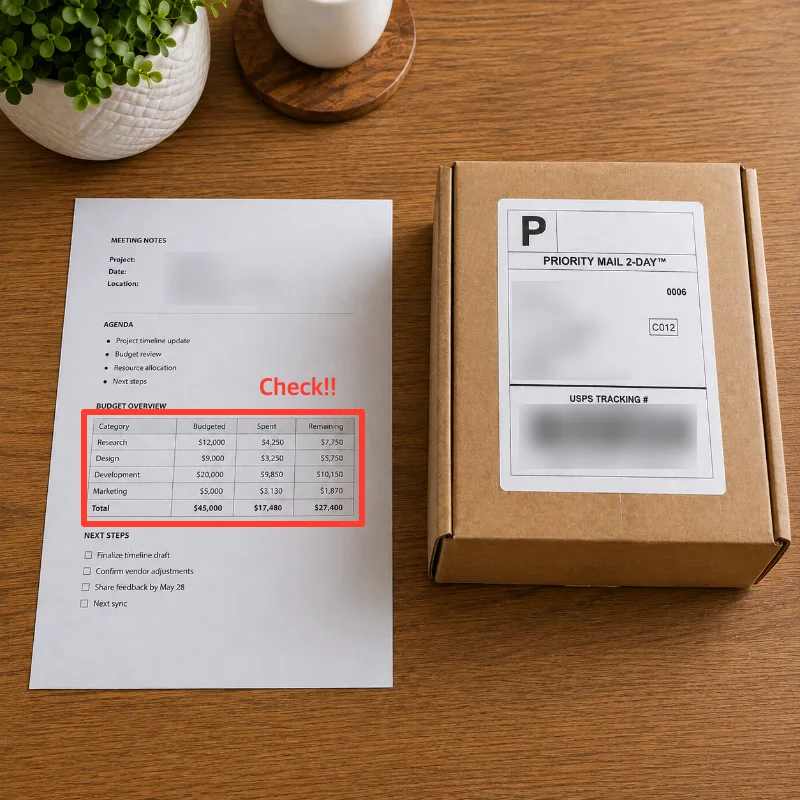
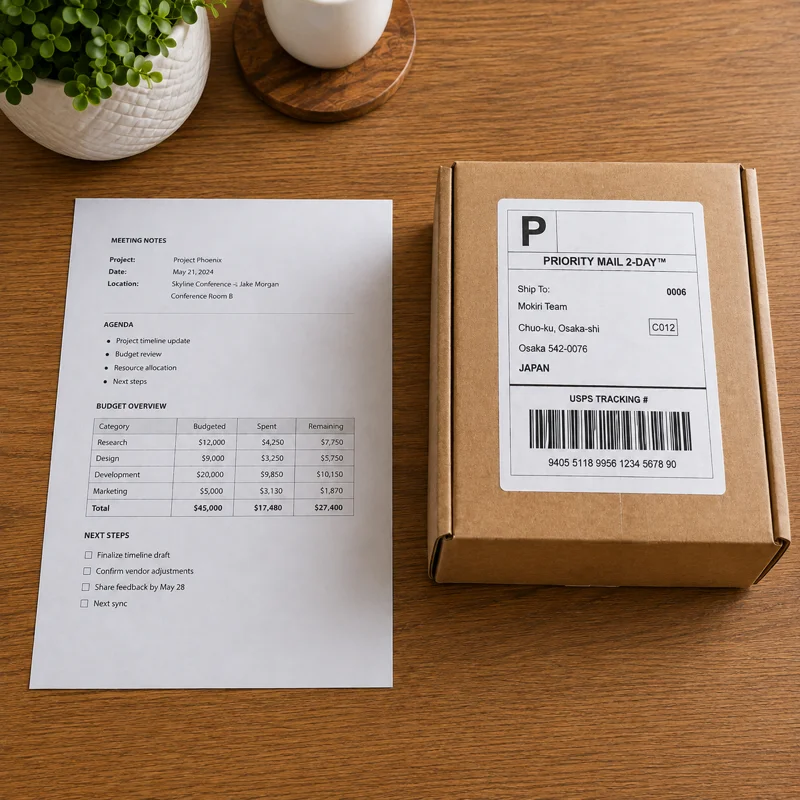
Image editing in three steps
Open
Drag an image in or pick a file. Nothing is sent to a server.
Edit
Resize, crop, mosaic, rotate. Ctrl+Z takes you back a step at any point.
Save
Pick PNG, JPG or WebP and download it to your device.